
Invite-only Android beta.
Two from News, then Work.
That's a hop. It hands playback from one playlist to the next. Set the route once, and your phone stays in the center console while your eyes stay on the road.
Every app will play a list. To hear news, then training, then something funny, all three have to be in the same list.
So the list stops being about anything.
So the list stops being about anything.
Hops
Playlists that hand off to each other
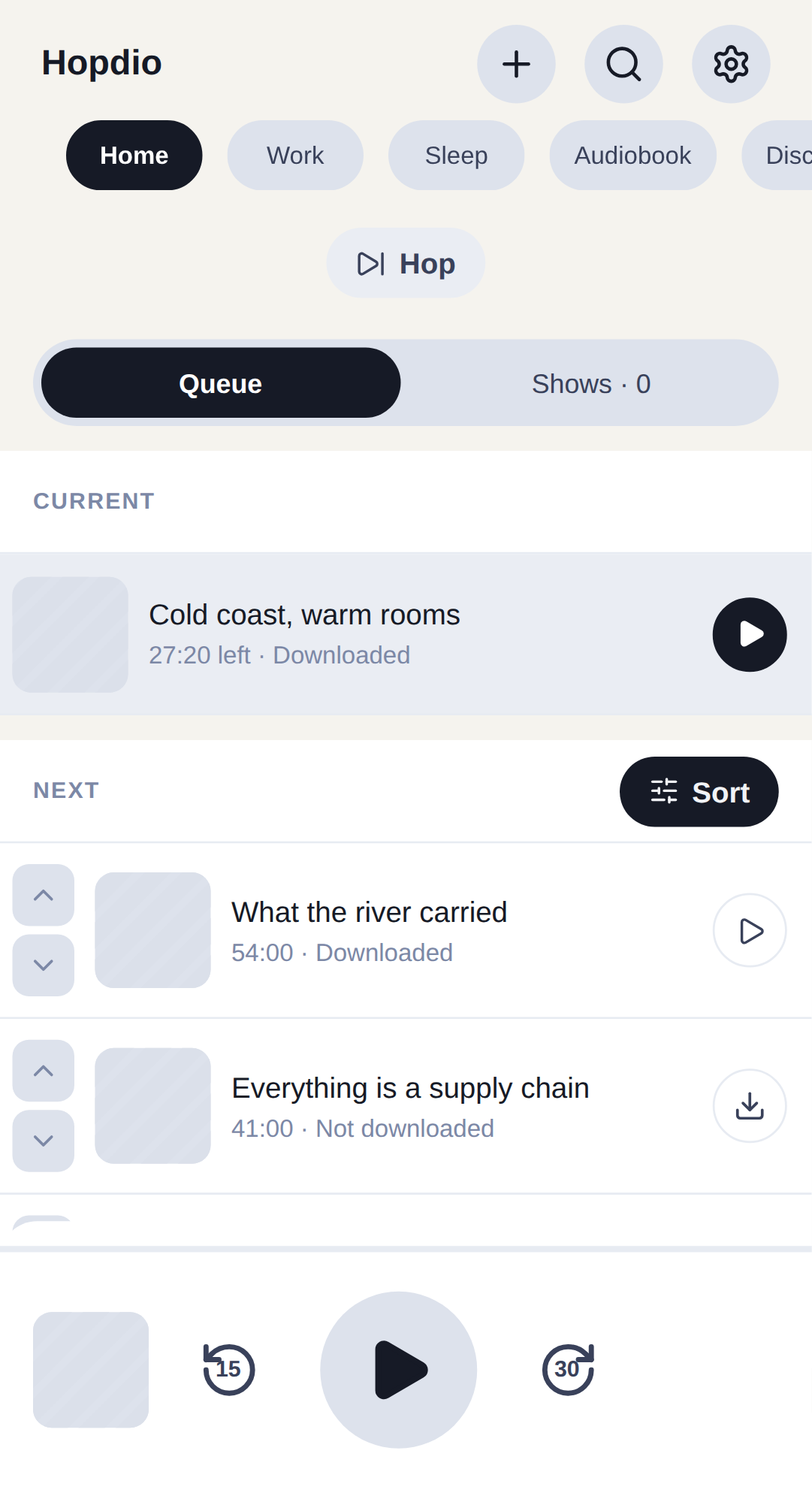
Hopdio starts you with Home, Work, Sleep, Audiobook and Discovery. You add your own. Each has its own queue and its own sort rules.
A hop is how two playlists play in a row without becoming one playlist. Three episodes from Work, then Sleep. Two from News, then Work. You build a route one leg at a time. There is only one route, and every tab shows it.
A leg ends on whatever you choose: the end of the episode, an episode count up to nine, or a stretch of time up to three hours. Hopdio works the route out before playback starts, not at the end of each episode.
One route, three legs
News
ends after 2 episodes
Work
ends after 45 minutes
Sleep
ends at the end of the episode
What a queue cannot do
A queue is a list. A hop is a decision about what happens when the list runs out.
Clips
The button you press too late
Every good line is over by the time you notice it. Saving one usually means seeing it coming.
+ Clip works the other way around. It keeps the last 45 seconds you have already heard. Change the length to 15, 30, 60 or 90 seconds. Press the button twice in a row to reach further back instead of making a second clip.
you press + Clip
Length
15s
30s
45s
60s
90s
Then make something of it
Rename it. Trim both ends on two bars. One shows the whole episode, the other about thirty seconds around the edge you are moving. A long clip is as easy to trim as a short one.
File it into a set. Sets cross shows: a language drill, the passages from one book, three things you want to reply to. Play a set straight through, or drill one clip on repeat until it sticks.
Send a set to someone
Export a set as a .dio file. It carries citations rather than audio. The citation names the show, the episode and the seconds, so their copy fetches from the publisher's own feed. No server, no account, nothing uploaded.
Podcasts only. Audiobook clips cannot travel. Hopdio says so before the share sheet, not after.
Everything else a podcast app has to do
The controls
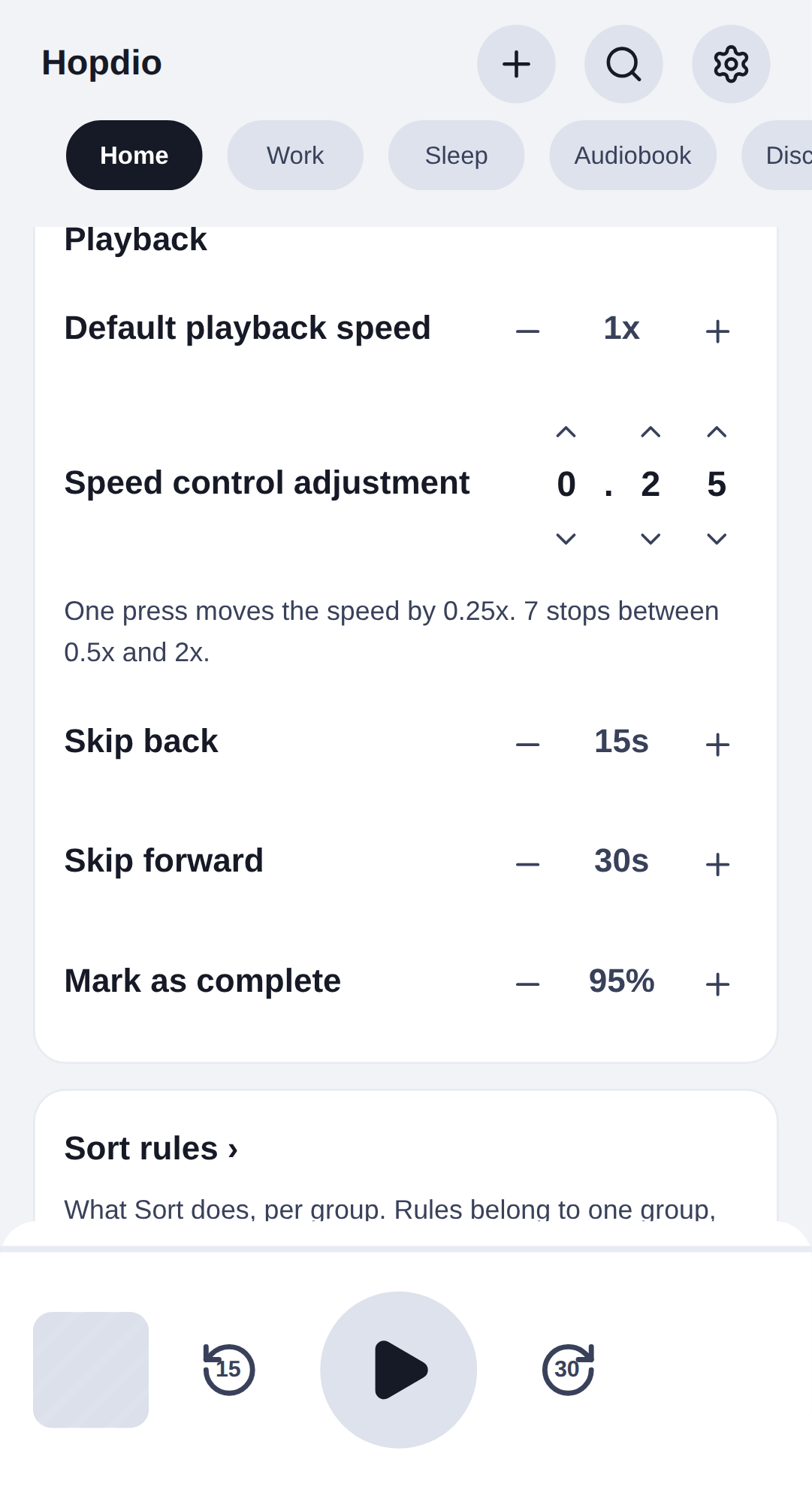
- Skip back and skip forward at whatever length you set, not whatever the app picked
- Playback speed from 0.5x to 2x, in steps you choose. A quarter by default, as fine as a hundredth
- Speed set per show and per book, remembered separately, with a global default underneath
- A sleep timer that fades out, holds a volume ceiling and restarts when you move. It can stop at the end of the episode instead of mid-sentence
- Chapters in audiobooks, and a loop between two points you mark
The housekeeping
- Download over Wi-Fi only, with a warning before cellular
- A storage cap you set, and automatic cleanup of finished episodes after however many days
- Favorites kept back from that cleanup
- Refresh when you ask, hourly, every four or twelve hours, or daily
- Your own sort rules per playlist, applied when you tap rather than behind your back
- Three themes, each in light, dark or whatever the system says
One library
Podcasts and audiobooks in the same app, with the same playlists, the same hops and the same clip button.
Which is what makes a long book finishable. Twenty minutes of it on the way in, podcasts for the rest of the drive, twenty more on the way home. A book you cannot sit through in one go is one you can get through in pieces, and it never has to share a playlist with anything else to get its turn.
Import books from files, a zip, a folder or Dropbox. Real chapters come from the file's own metadata, so a single-file M4B still has chapters to move between.
Import from
Files
A zip
A folder
Dropbox
a single-file M4B
chapters to move between
In the car
Hopdio has its own Android Auto browse tree: your playlists as tabs, your books opening onto their chapters, cover art on every row. Tap a row and playback starts from the car, not the phone.
Your route comes with you. The drive picks up where the kitchen left off.
The browse tree
Hopdio
Continue
Home
Work
Sleep
Audiobook
Chapter 1
Chapter 2
…
Get the beta
Something not working? The support page reaches a person.